How to Run a Giveaway in YouTube Live Chat
To pick a winner from YouTube live chat, your viewers type one word during the stream and a game draws the winner on screen while they watch. Comment pickers read the comments under a finished video; this draws from live chat while you are still live.
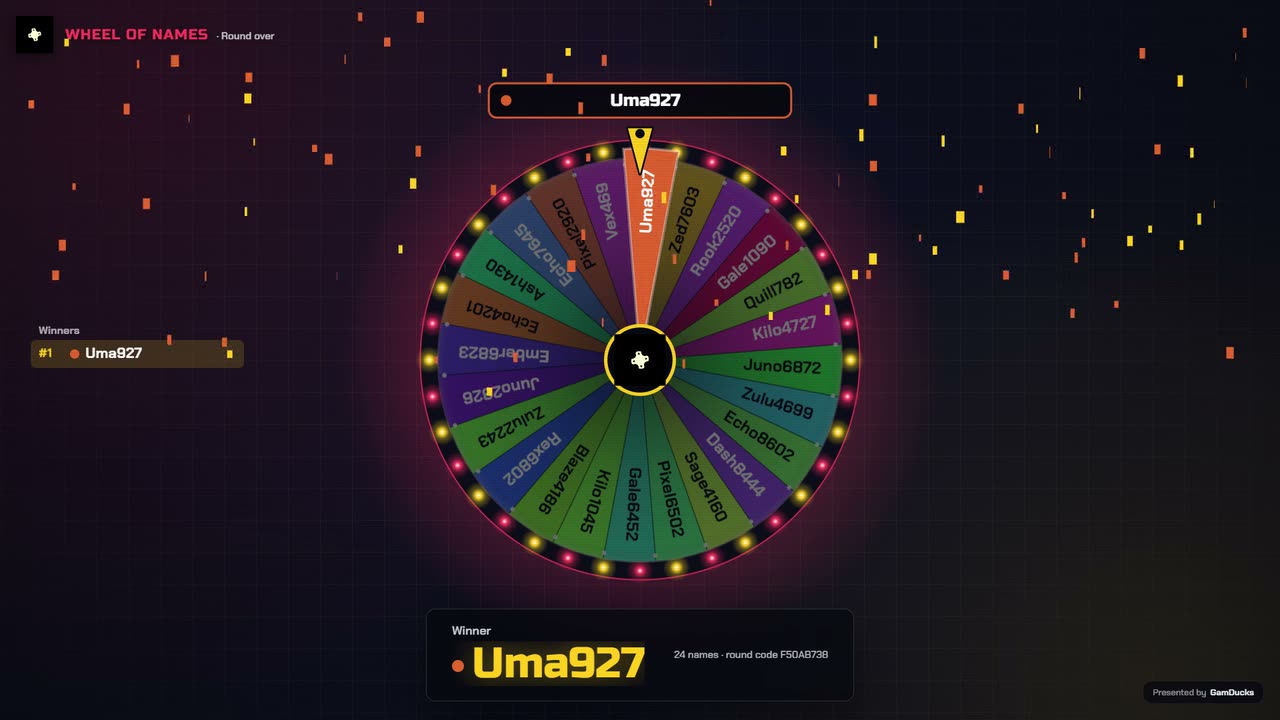
- Viewers enter in chatThey type
play; each YouTube channel gets one entry. - The draw runs on screenYour audience watches the wheel turn or the race finish.
- Viewers verify itThe winner card shows a verify ID.
Live chat draw or comment picker
| Live chat draw | Comment picker | |
|---|---|---|
| Entries taken | From live chat, while the lobby is open | From comments under the video, afterwards |
| Who sees the draw | Everyone watching your stream | Whoever has the picker open |
| Result can be checked | Yes, on the verify page | Depends on the picker |
Before you go live
Put the rules in the description
Name the prize, the entry window, who qualifies and how the winner gets in touch.
Connect YouTube chat
On the Setup tab, paste your stream link or @handle and press Connect. Step by step.
Limit it to members
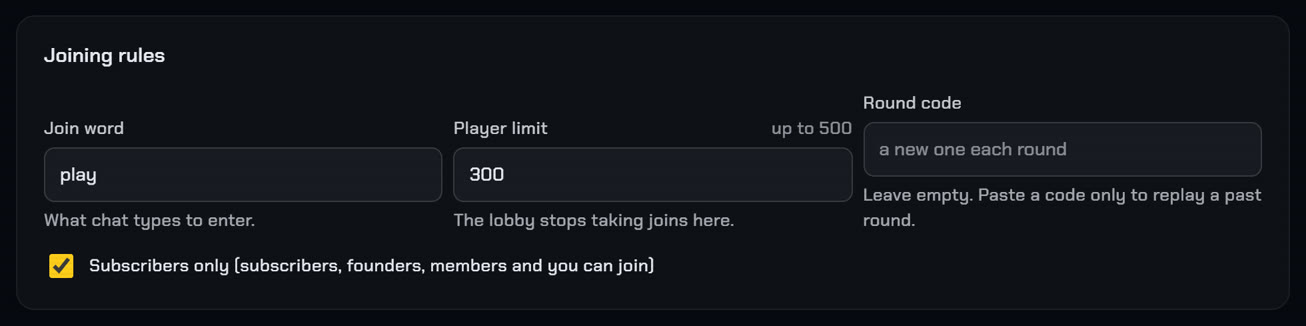
Tick "Subscribers only" under Joining rules on the Play tab. On YouTube this admits your channel members and you, not every subscriber.
Put the game in your scene
Paste your overlay link into an OBS browser source at 1920 by 1080. Screenshots of each step.
YouTube's contest policies make you solely responsible for your contest and require it to be free to enter. Your rules must also state that YouTube is not a sponsor.
Pick the draw
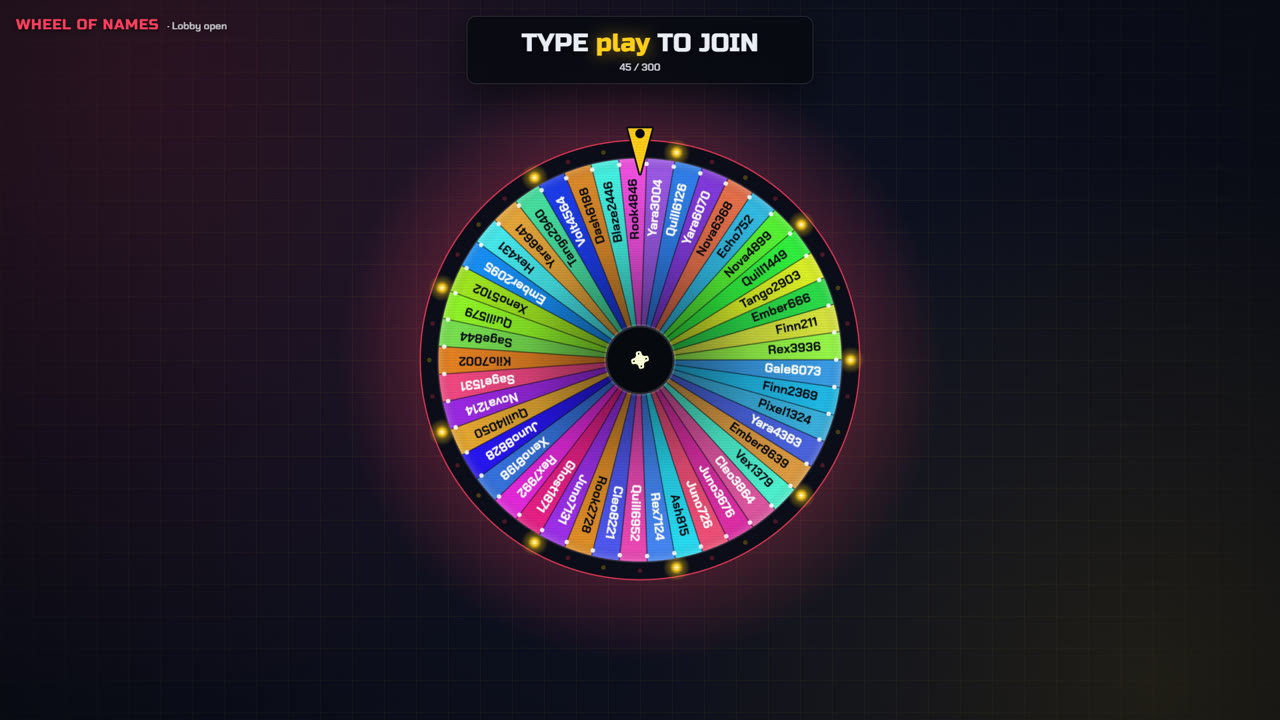
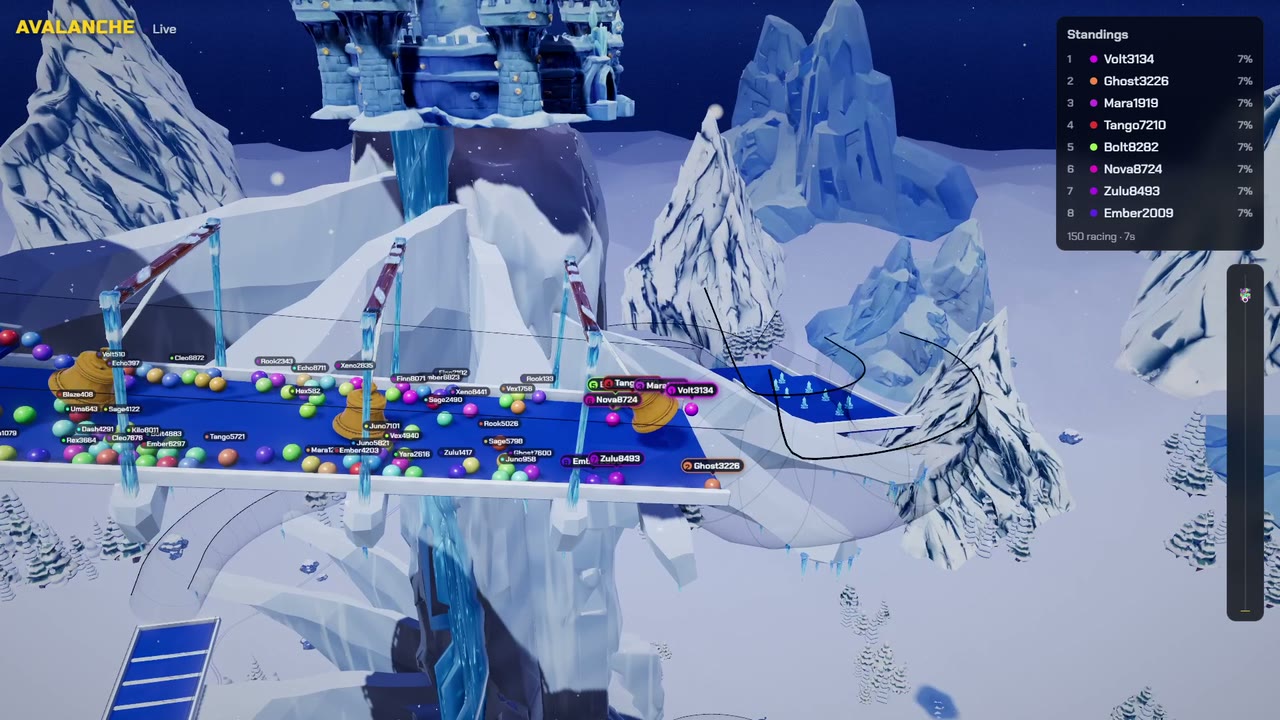
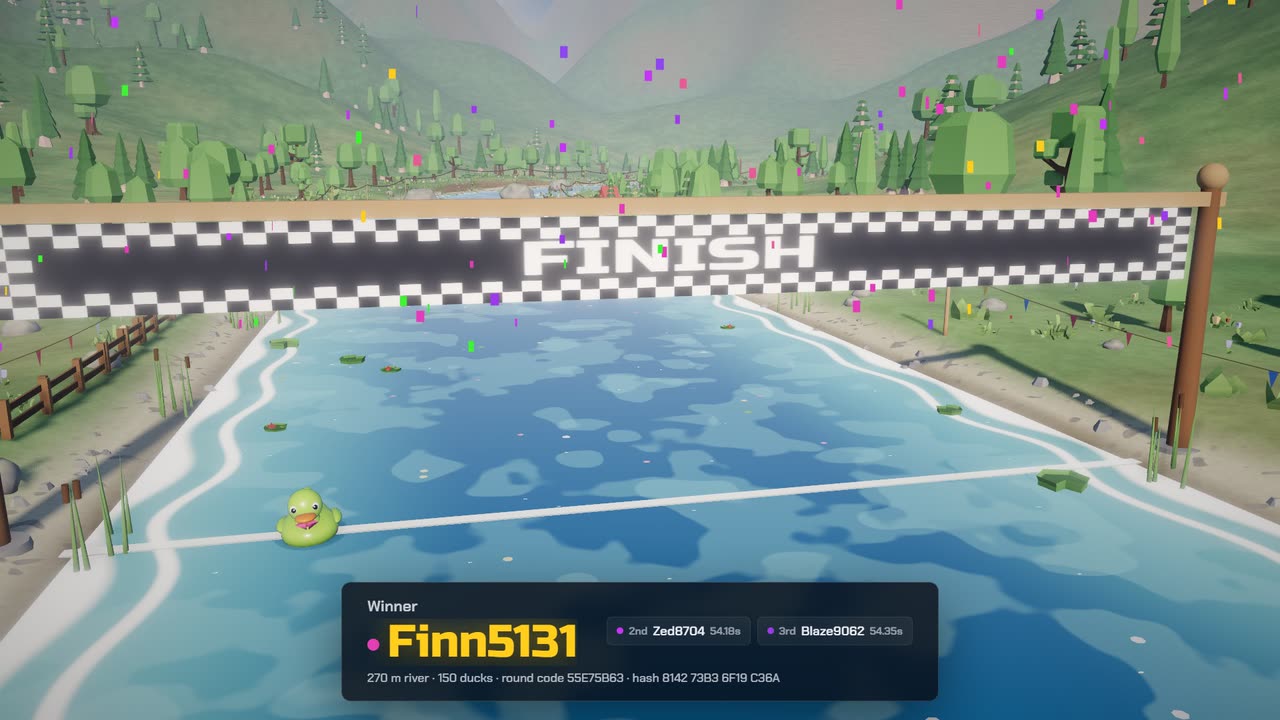
Giving away three keys? Tick "Take the winner off the wheel before spinning again", then spin three times.
On stream
Call for entries
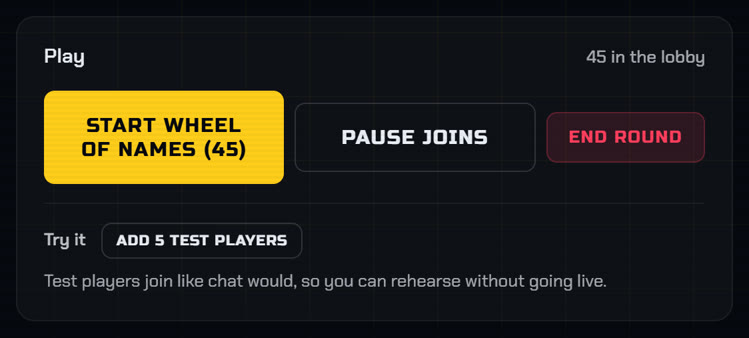
Open the lobby and ask chat to type
play, or the word you set. Messages from before the lobby opened do not count.Wait for the stragglers
YouTube chat reaches the game about 1.5 seconds after a viewer types, and some viewers watch a few seconds behind. Give it 10 seconds after your last call, then press Start.
Name the winner
Say the name on air and pin a comment with the verify ID shown under it.
Prove the result
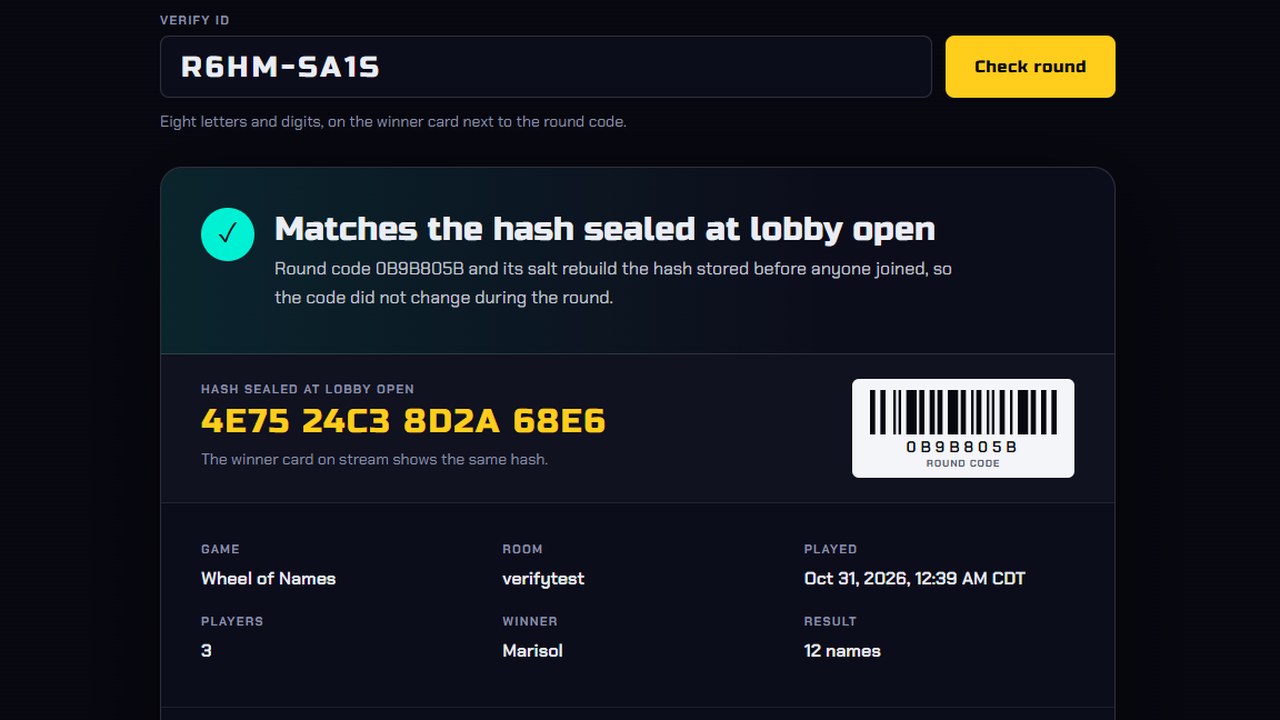
When you open the lobby, the server locks in a hash of that round's code. A viewer who enters the verify ID at /verify sees who won, who played and whether the code matches the hash. More on provably fair giveaways.
Mistakes to avoid
- Asking for a Super Chat to enter. YouTube requires free entry, and a Super Chat starting with
playcounts once - Moving the deadline or the prize once entries start
- Setting your own round code for a giveaway, which the verify page shows to everyone
Want games between giveaways? Chat games for YouTube Live.
Run it on your next stream
Ten chat games, one OBS browser source. See the games.