How to Run a Giveaway in Twitch Chat
Viewers enter your Twitch giveaway by typing one word in chat, and a game picks a random winner live on stream. Afterwards, anyone can check that draw with its verify ID.
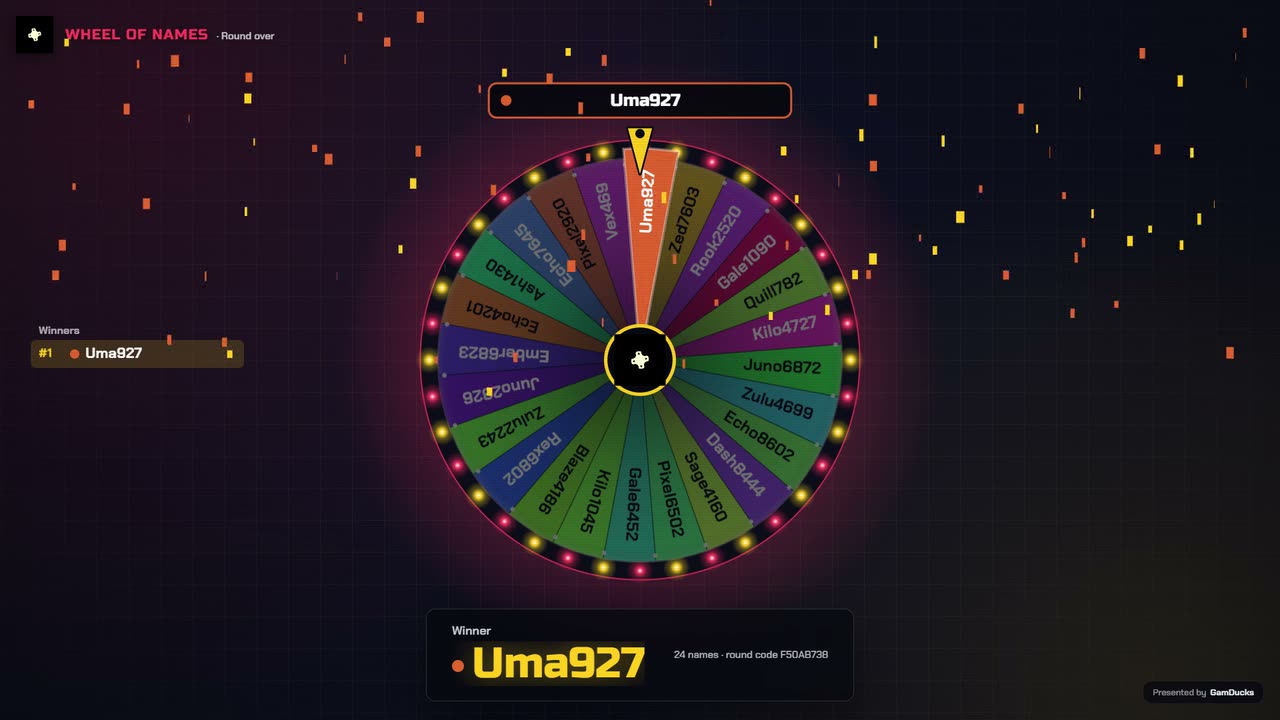
- Chat types
playEach Twitch account gets one entry. - A game picksA wheel or a race decides it on stream.
- Viewers can checkThe verify ID opens the full result.
Before you go live
Write the rules
Name the prize, who can enter, when entries close and how you will reach the winner. Pin them in chat first.
Connect your Twitch channel
On the Setup tab, type your channel name (the part after twitch.tv/) and press Connect. Reading chat needs no Twitch login and no bot account.
Set who can enter
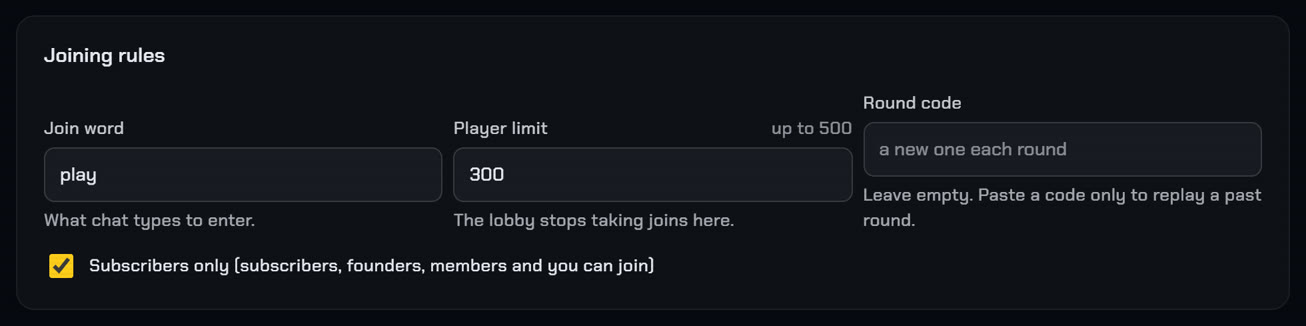
On the Play tab, Joining rules hold the join word, a player limit up to 500 and "Subscribers only". On Twitch that box admits subscribers, founders and you; mods and VIPs get in only if they subscribe.
Put the overlay in OBS
Add your overlay link as a browser source. Step by step.
Pick the draw
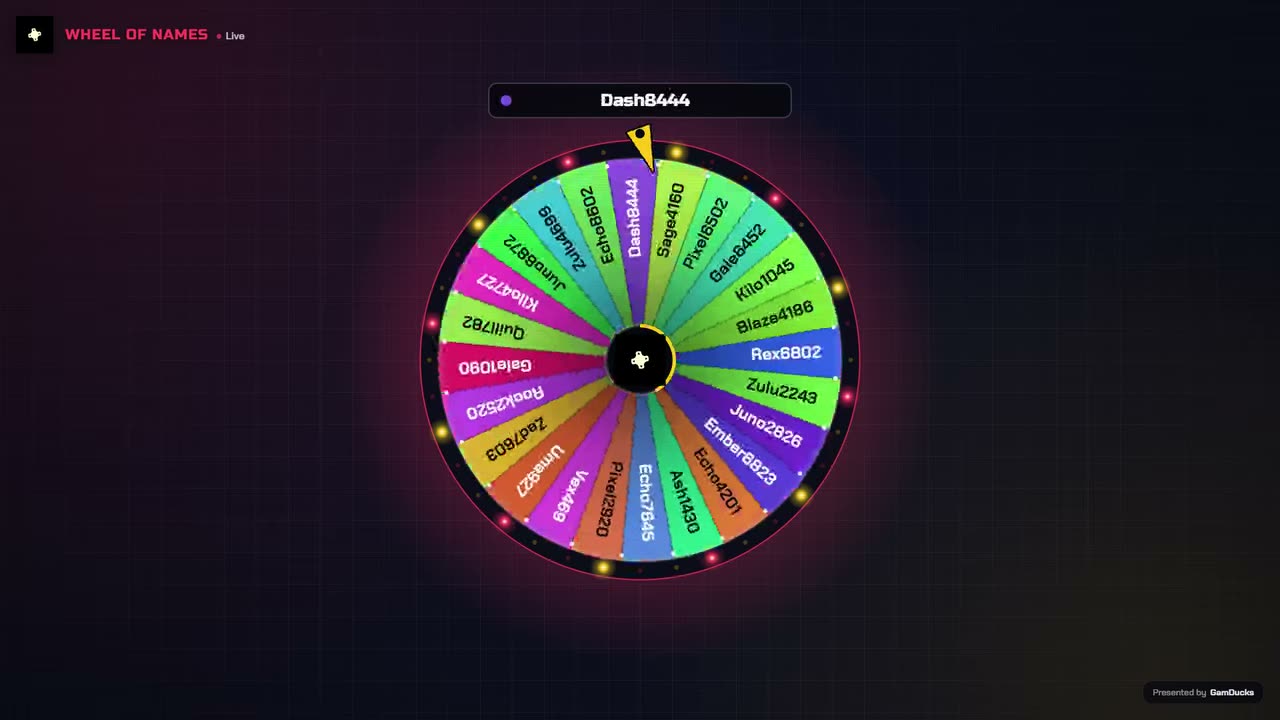
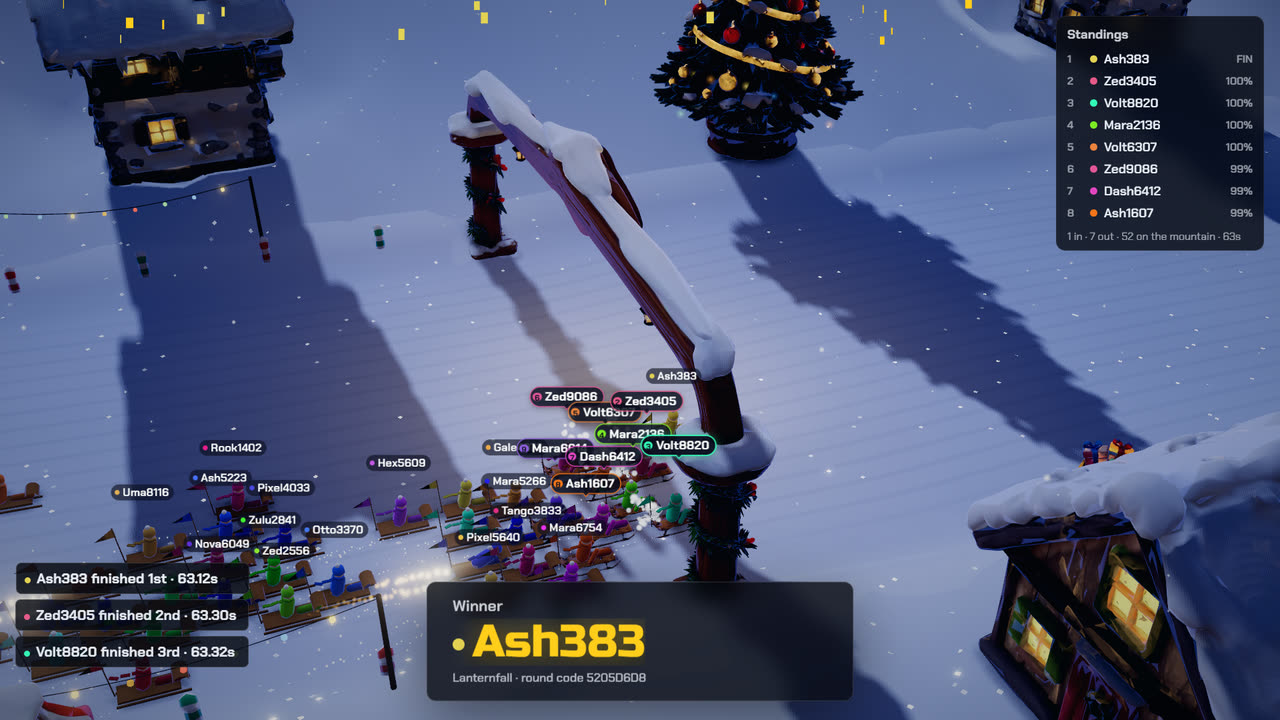
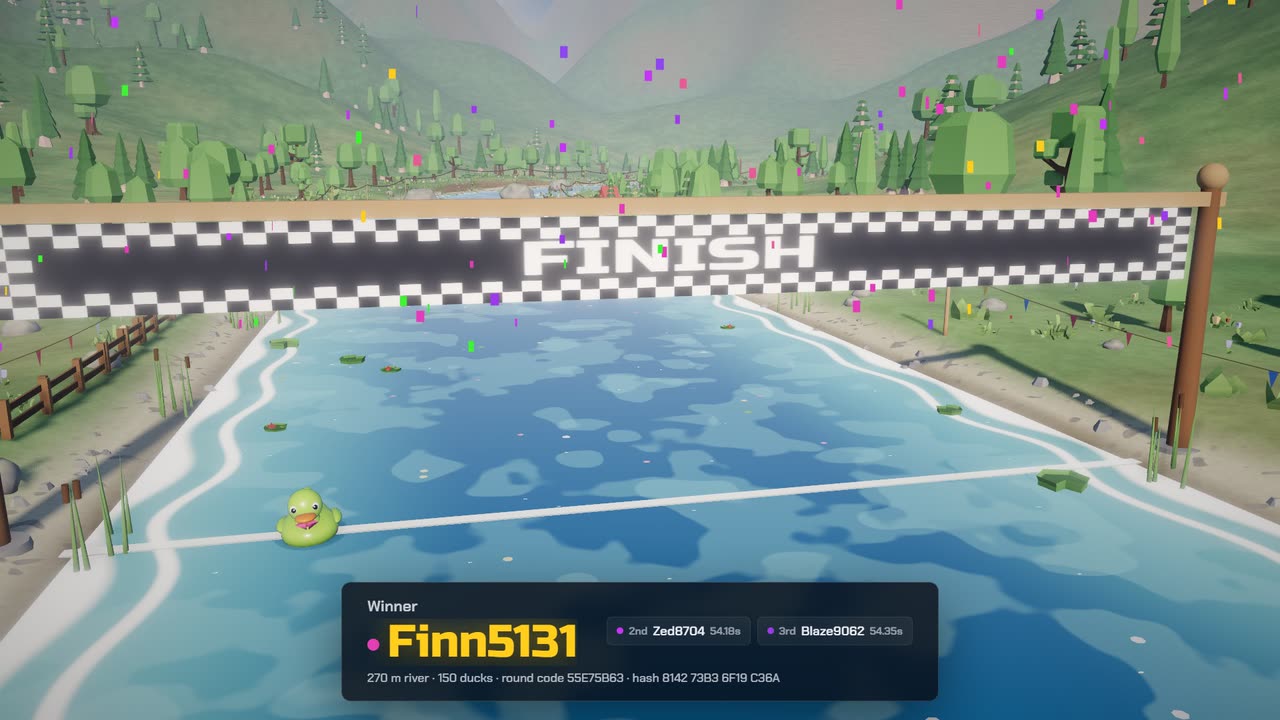
Giving away more than one prize? Tick "Take the winner off the wheel before spinning again", then spin once for each prize.
On stream
Open the lobby
Tell chat to type
play. Capitals and an emote after the word still count, and a secondplayfrom the same account adds nothing.Close entries and start
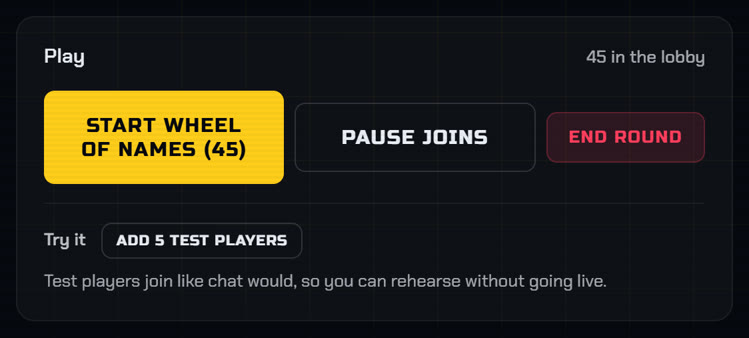
Press Pause joins when time is up, then Start. Everyone already in the lobby stays in.
Name the winner
Say the name on stream, then paste the verify ID from the winner card into chat.
Prove the result
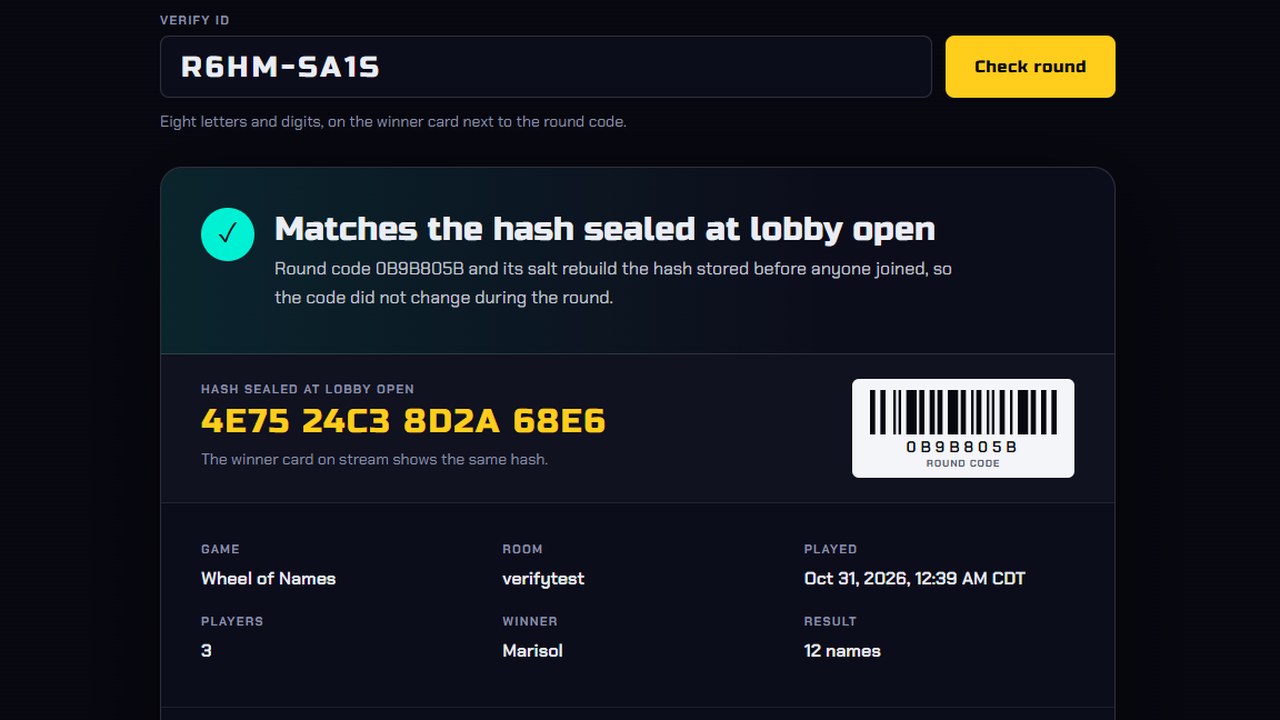
When the lobby opens, the server seals a hash of the round code before anyone joins. Anyone who pastes the verify ID into the verify page sees the winner, every player and whether the code still matches.
Twitch's rules for giveaways
Section 8(d) of Twitch's Terms of Service lets you run promotions such as contests and sweepstakes, as long as they follow the law where you run them. You count as the promoter, so you write the rules, run the draw and deliver the prize.
You may not present Twitch as a sponsor. While you run the giveaway, show or read out the disclaimer from that section, which says the promotion is yours and Twitch does not sponsor or endorse it.
Mistakes to avoid
- Skipping the Twitch disclaimer
- Moving the deadline or the prize once the lobby is open
- Running the draw off stream, where your chat can't watch it
- Typing in a round code yourself. The verify page shows viewers you chose it
Run it on your next stream
Ten chat games, one OBS browser source. See the games.