How to Engage Your Kick Chat: 8 Ideas
Give your Kick chat a job: a vote, a guess, a name to pick or a game to join. Kick builds in polls, predictions and Channel Points, and eight of the ideas below need nothing else.
What Kick gives you
| Feature | What it does | Use it for |
|---|---|---|
| Polls | /poll opens a poll; you or a mod run it | Choices before a match |
| Predictions | /prediction: chat bets Channel Points on one of two outcomes | Win or lose calls |
| Channel Points | Up to 15 rewards; a reward can ask for text | Chat picks a name or a challenge |
| Emotes | Up to 60 channel emotes | Running jokes chat can type |
| KICKs | Viewers send KICKs to pin a message in chat | Shout-outs you read on stream |
| Clips | Viewers press C to clip up to 180 seconds and send it to chat | Replaying the best moments |
| Raids | /raid sends your viewers to another live streamer | Ending the stream with a crowd |
Predictions need Channel Points switched on. Raids need at least 5 viewers.
Give chat something to do
Put a question in the title
Set it with
/titlebefore you go live and answer the first replies by name.Poll before each match
Loadout, route or difficulty: chat picks, you play it.
Open a prediction
Win or lose, first boss or second. Pick the outcome as soon as the match ends.
Run one bit at a fixed time
Same minute every stream, such as a top-of-the-hour challenge chat can wait for.
Name things after chatters
Pets, save files, squad members, the boat you just stole.
Let chat pick the next game
Make it a Channel Points reward with a text box, or a poll with three options.
Ask for clips
Viewers press C and send the clip to chat. Watch the best one before you end.
Answer with @name
Kick notifies the person you mention.
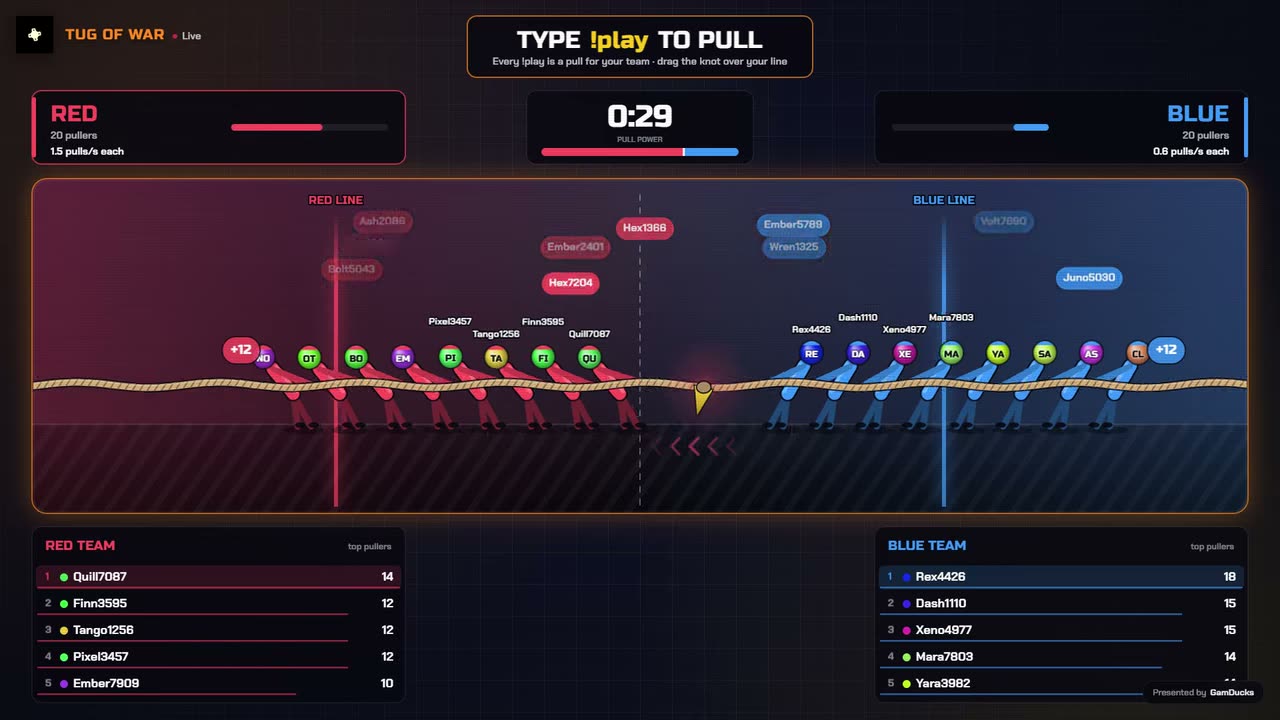
Run a game chat joins
Viewers type play in chat to join and the round plays on your stream. CommunityGames is our product: $9 a month, every game, on Kick, Twitch and YouTube.
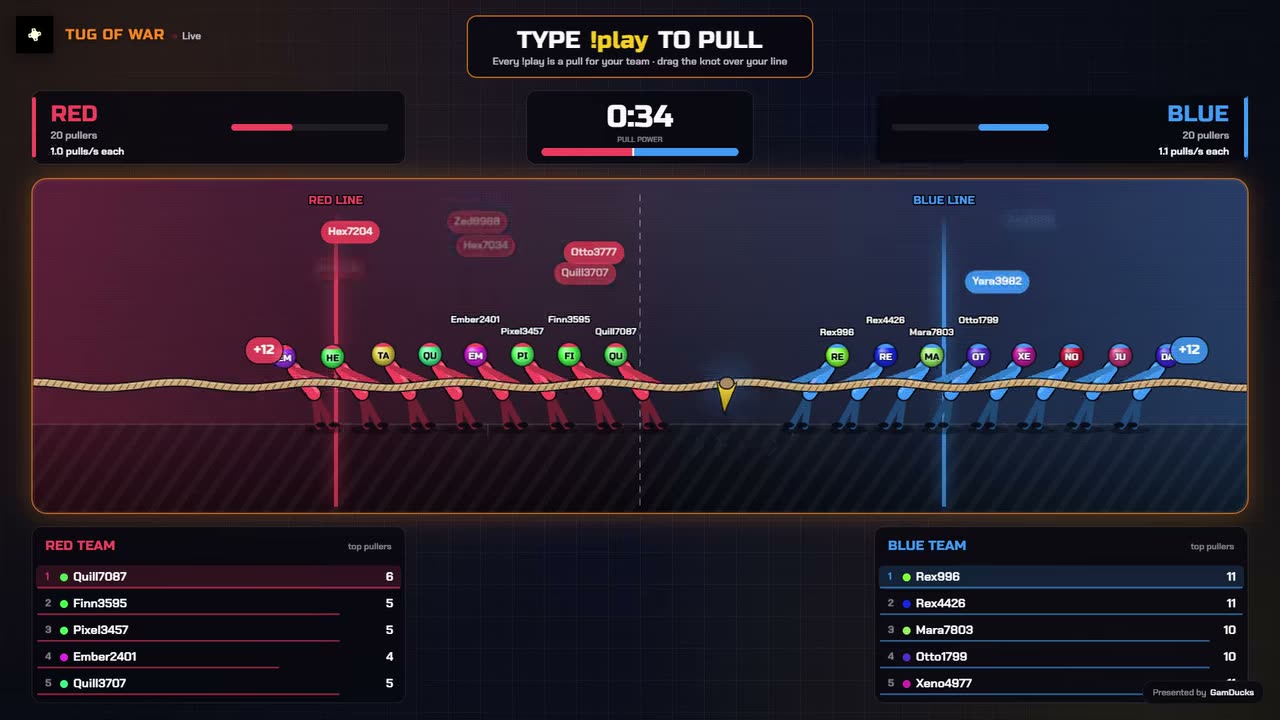
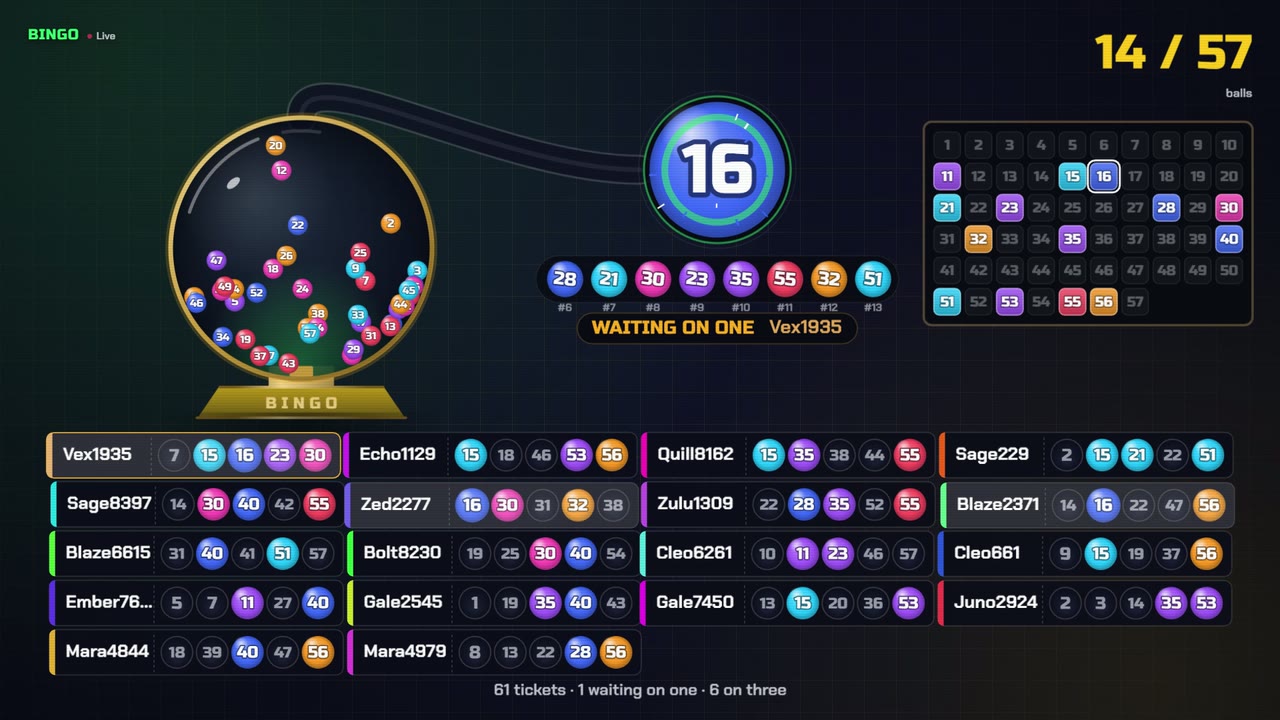
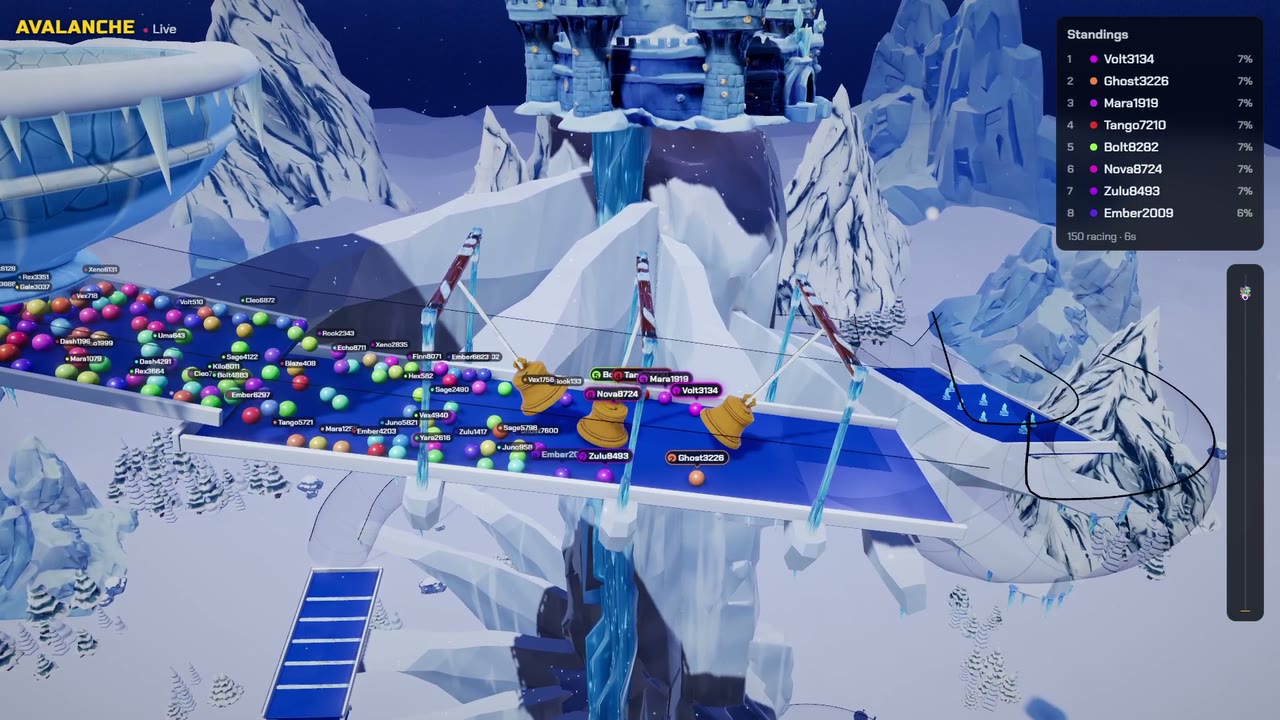
More picks in the best chat games for Kick.
What kills a chat
- Reading chat only between matches
- Answering a question without saying who asked it
- Leaving sub-only mode on. Kick's own moderation guide says to use it sparingly
- Going silent through queues and loading screens
Next: run a giveaway in Kick chat, or compare Kick giveaway tools.
Run it on your next stream
Ten chat games, one OBS browser source. See the games.