The Best Chat Games for YouTube Live
These six tools read YouTube Live chat and turn it into something your viewers play from the chat box. The table lists what each runs, where it runs and the price its maker lists today.
| Tool | Games | Runs as | Price |
|---|---|---|---|
| CommunityGames (ours) | Races, Plinko, Bingo, trivia brackets | OBS browser source | $9 a month |
| LiveReacting | Trivia, word search, polls, giveaways | Cloud studio | Free plan; from $16 a month yearly |
| StreamAlive | Polls, spinner wheel, word clouds, quizzes | Chrome extension | Free plan; from $25 a month yearly |
| Stream Avatars | Avatar brawls and duels | Desktop app | $14.99 |
| StreamElements chatbot | Raffles, contests, bingo | Chat text | Not listed |
| Streamlabs Cloudbot | Giveaways, Gamble minigame | Chat text | Not listed |
Games your chat watches on stream
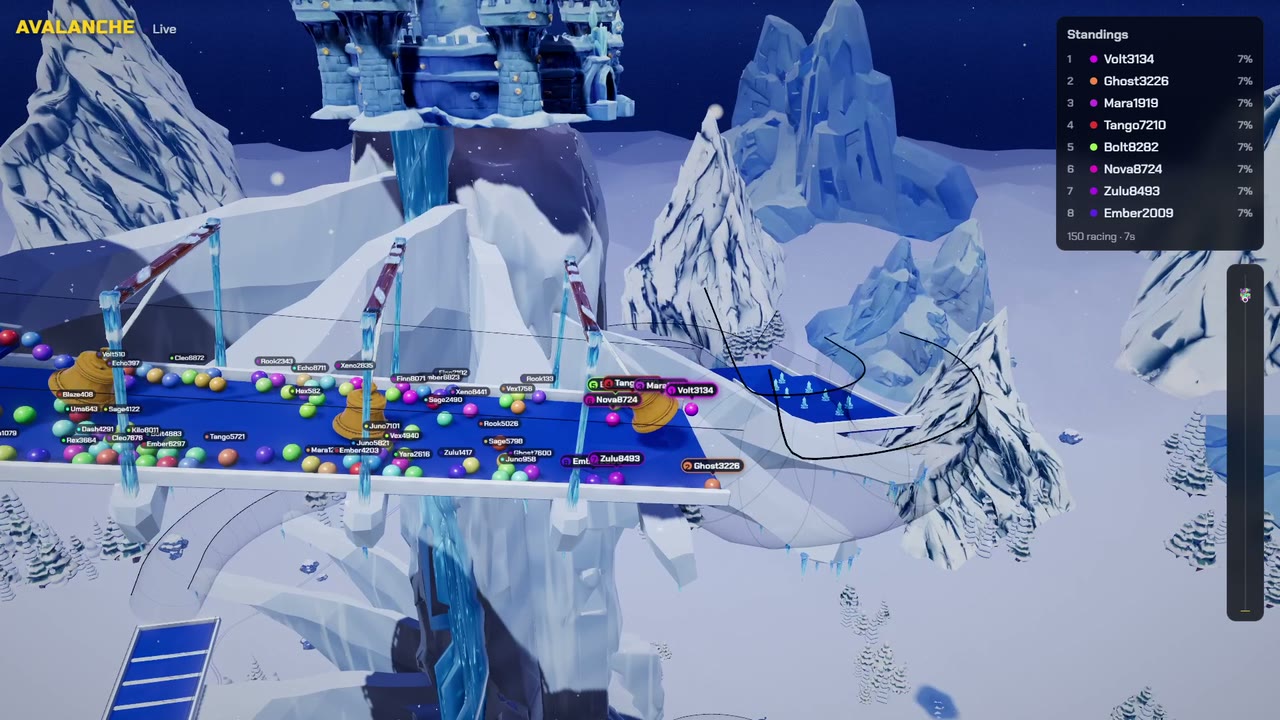
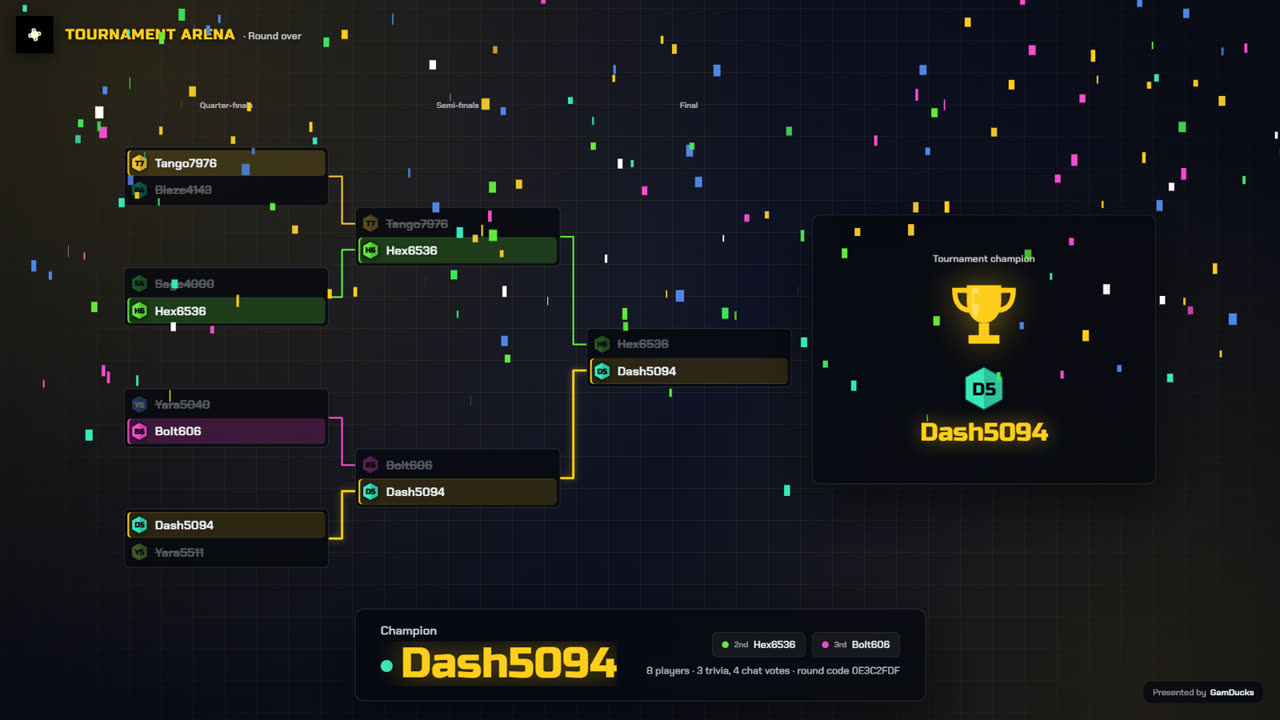
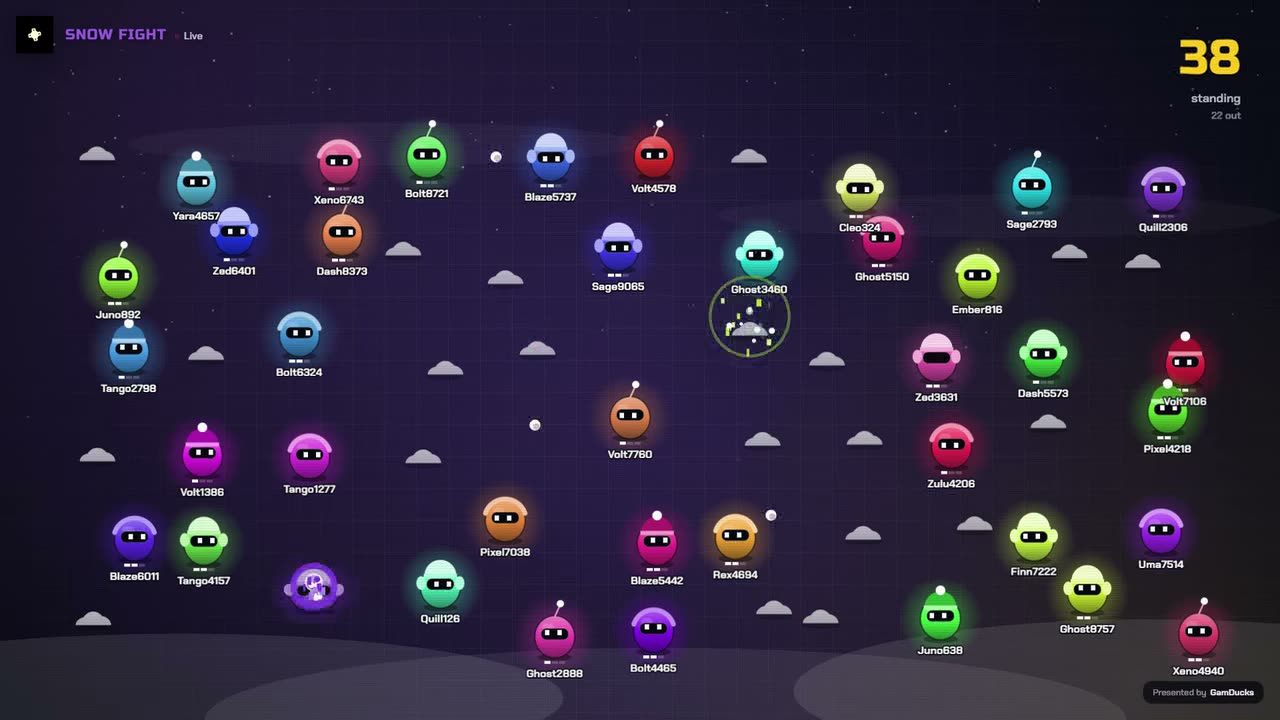
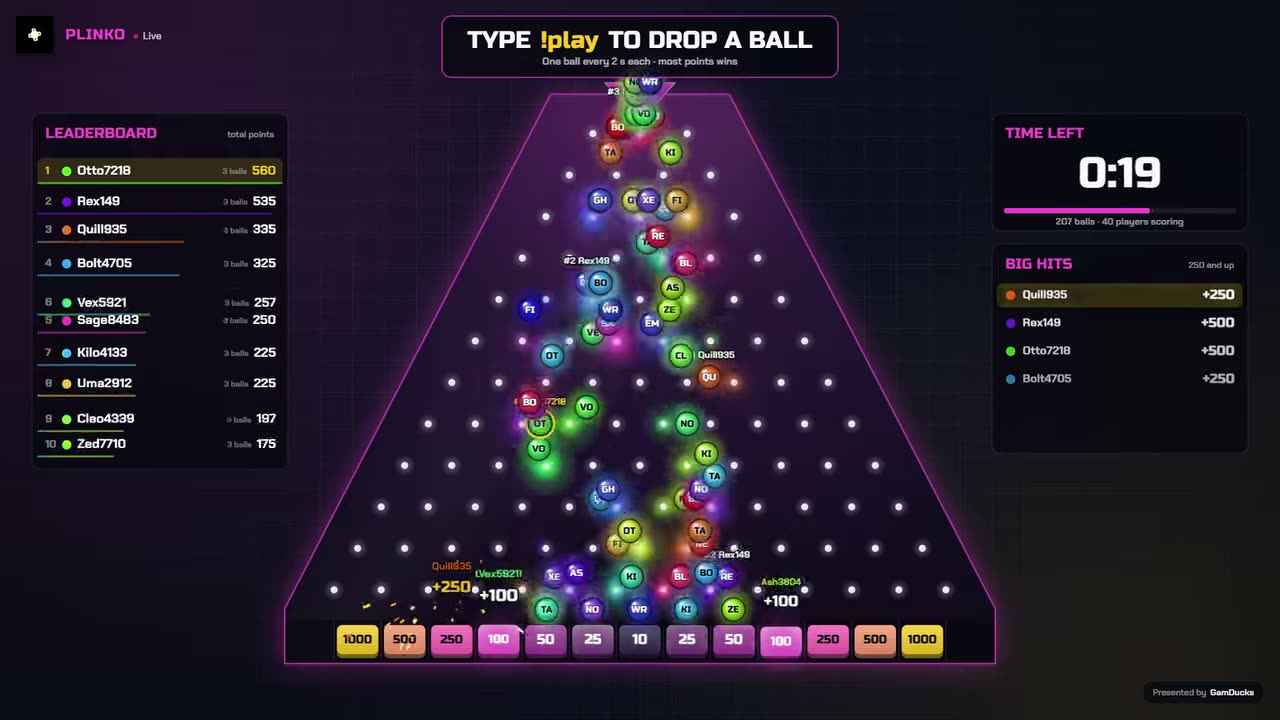
In CommunityGames, your viewers type play in YouTube chat and land in a lobby drawn by one OBS browser source. You connect with a stream link or @handle, and Kick and Twitch chat can fill the same lobby.
Disclosure: we make it, and $9 a month covers all 10 games, from the Avalanche marble race to Hot Potato and Bingo.
- Stream Avatars
- Each chatter walks on screen as an avatar and can pick fights with other viewers. Its Steam page names YouTube among eight platforms.
Marbles on Stream needs a Twitch account, per its Steam page. Marble races YouTube chat can join.
Trivia, word games and polls
- LiveReacting
- A browser studio that streams from its own servers. Viewers type answers in YouTube chat for trivia and word search, and a leaderboard ranks them. The free plan caps games at 25 players and streams at 30 minutes. Compared with CommunityGames.
- StreamAlive
- Its Chrome extension reads your YouTube live chat and turns replies into polls, word clouds, quizzes and a spinner wheel. The free plan counts 5 participants a session.
Chatbot giveaways and minigames
- StreamElements
- Its chatbot page names Twitch and YouTube, and lists raffles, contests and bingo. Giveaways can run on loyalty points. StreamElements vs CommunityGames.
- Streamlabs Cloudbot
- Add Streamlabs as a moderator in YouTube Studio under Settings, then Community. Its modules include giveaways and a Gamble minigame. Cloudbot vs CommunityGames.
What to check before you pick
- The tool names YouTube on its own page, beyond Twitch
- Viewers join with one word, since a fast YouTube chat buries long commands
- For a prize, the draw plays on stream and viewers can check it on the verify page. Why that matters
- Paid tiers that cap players or stream length fit the size of your chat
Setting up tonight? Connect YouTube Live chat, then run a giveaway in YouTube Live chat.
Run it on your next stream
Ten chat games, one OBS browser source. See the games.