How to Run a Giveaway in Kick Chat
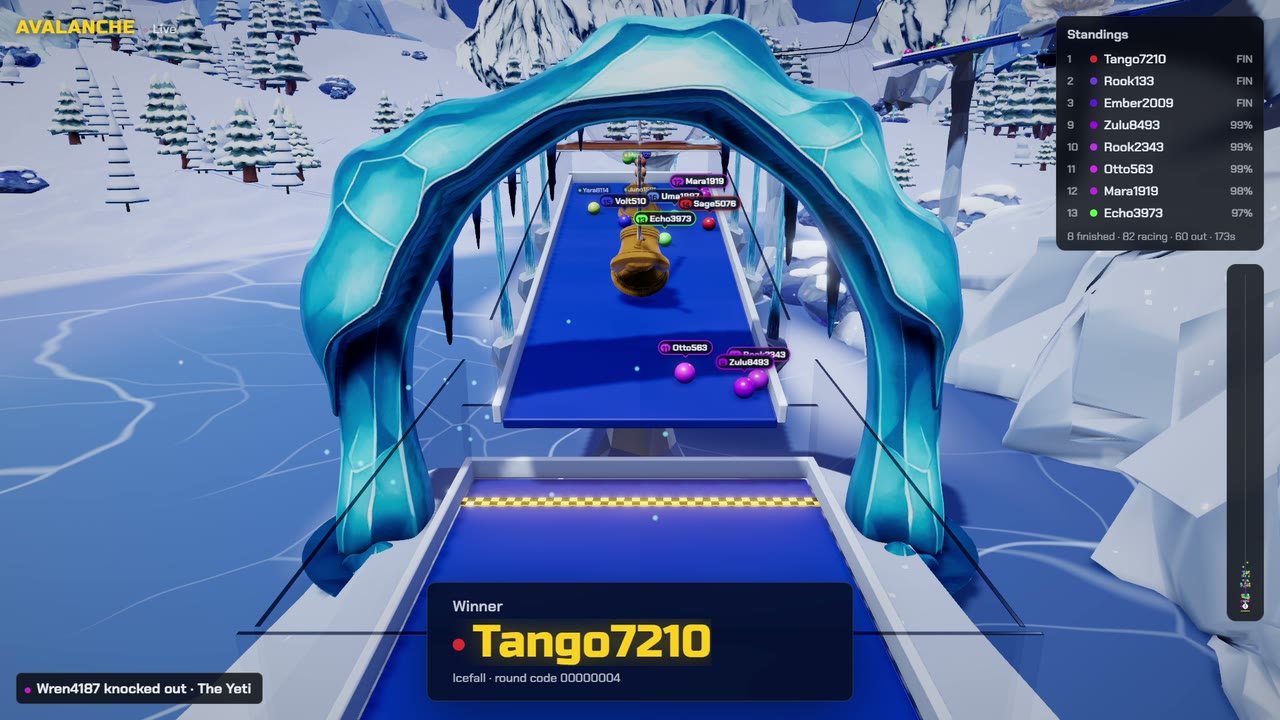
Your viewers enter by typing one word in Kick chat. A game draws the winner live on your stream, and anyone can check the draw afterwards.
- Chat types
playOne entry per viewer. No link, no account. - A game draws the winnerA wheel spin or a race, live on your stream.
- Anyone can check itThe winner card carries a verify ID.
Before you go live
Write the rules
The prize, who can enter, when entries close and how the winner claims it. Post them in chat before the lobby opens.
Connect your Kick channel
On the Setup tab, type your channel name (the part after kick.com/) and press Connect. No Kick login, no bot account.
Decide who can enter
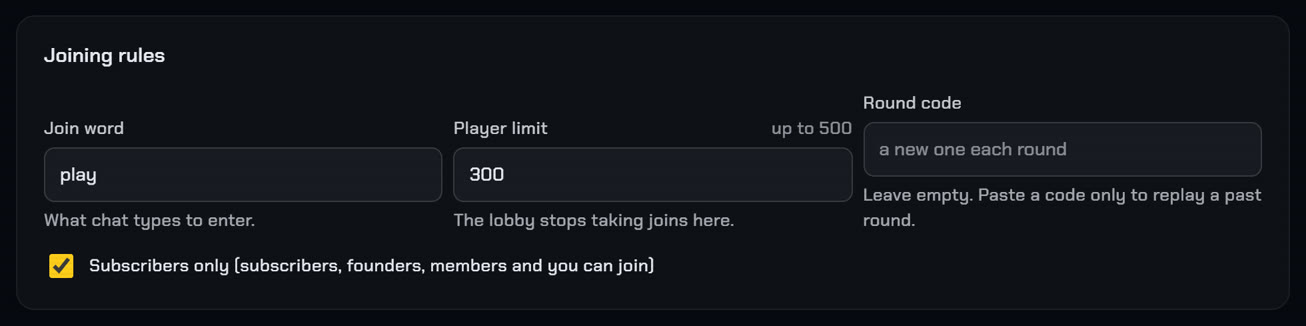
Joining rules sit on the Play tab. Tick "Subscribers only" and only your subscribers, founders and you can join. Player limit caps the lobby, up to 500.
Add the overlay to OBS
Copy the overlay link and add it as a browser source. Step by step.
Pick the draw
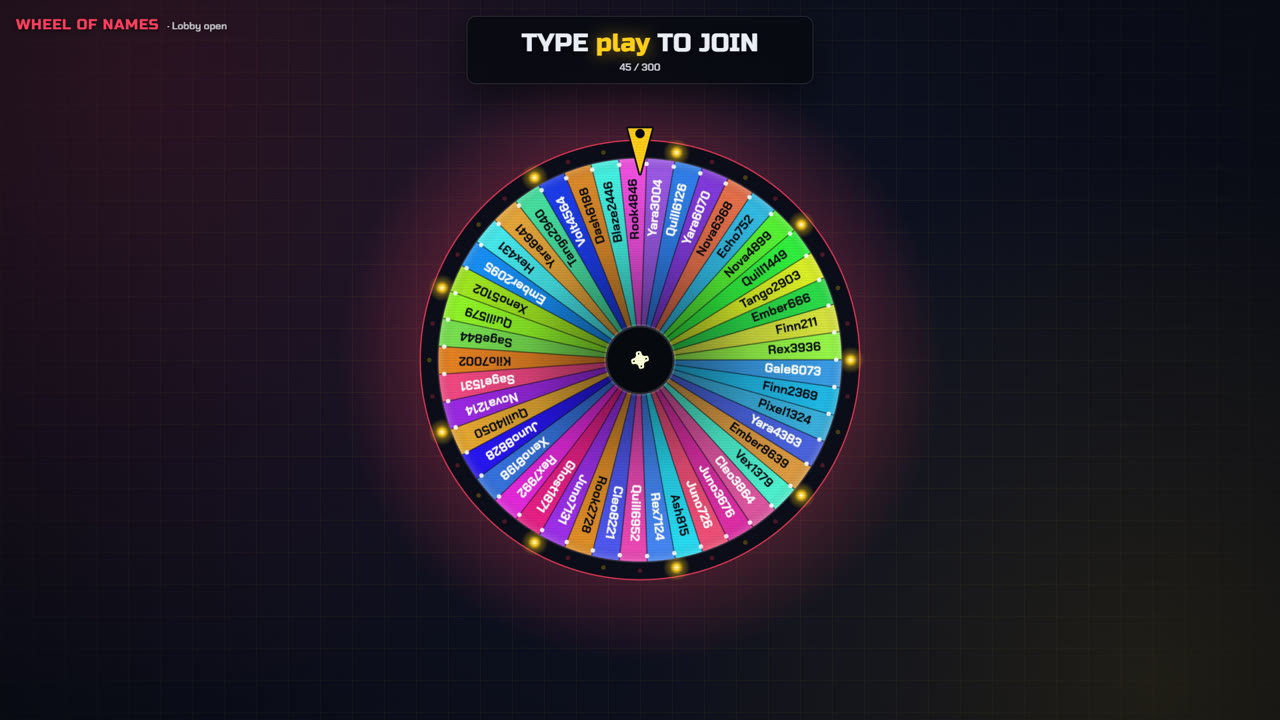

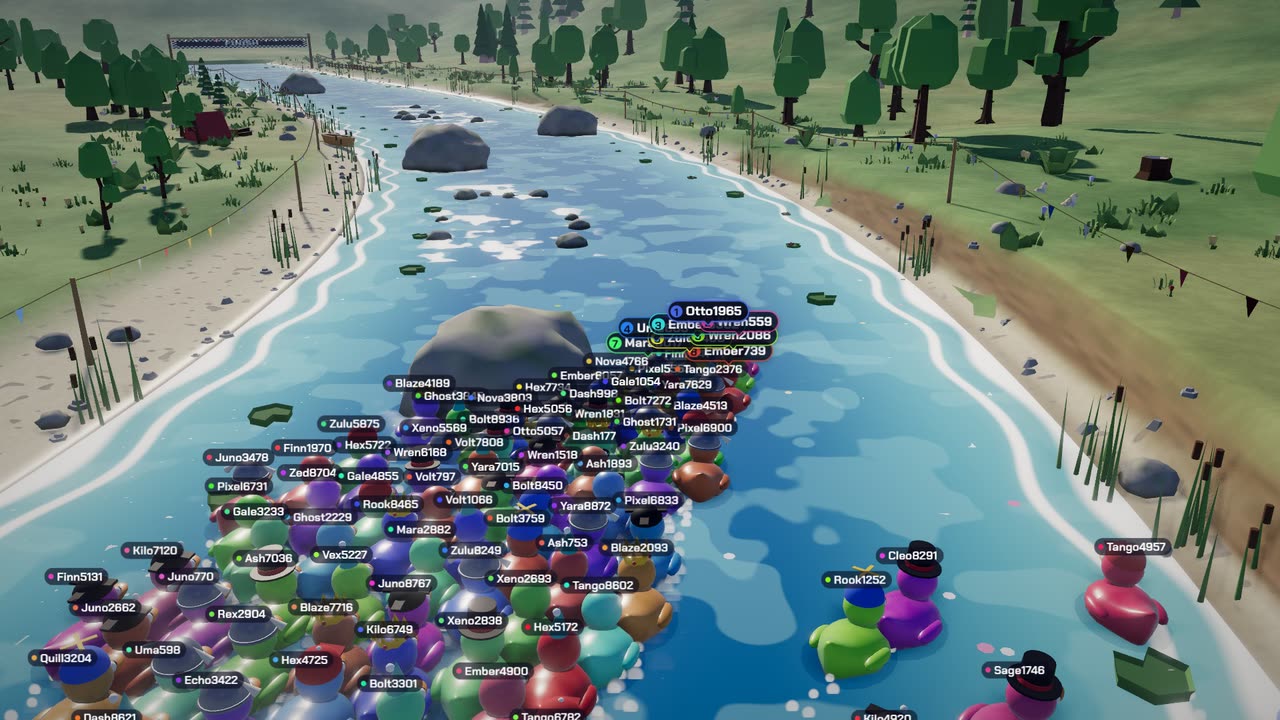
Several prizes? On the wheel, tick "Take the winner off the wheel before spinning again" and spin once per prize.
On stream
Open the lobby
Tell chat the join word:
play, unless you change it under Joining rules. A Kick emote after the word still counts, and typing it twice is still one entry.Start the round
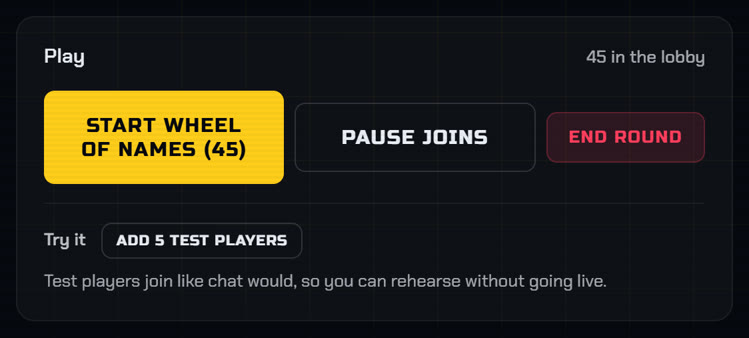
Give late joiners a few seconds, then press Start.
Announce the winner
Read the name out, then post the verify ID from the winner card in chat or on your Discord.
Prove the result
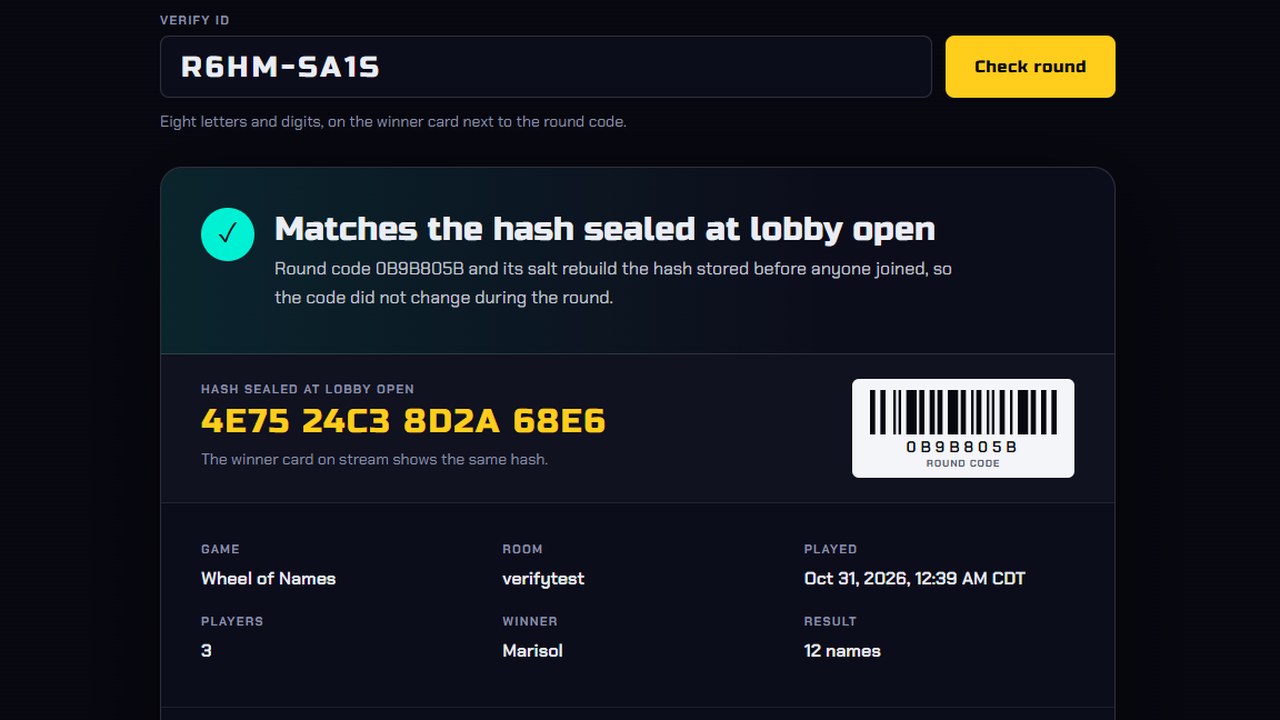
The server seals a hash of the round code when the lobby opens, before anyone joins. Paste the verify ID into the verify page to see the winner, every player, and whether the code still matches.
Mistakes to avoid
- Changing the rules after the lobby opens
- Drawing off stream, where nobody can see it
- Typing your own round code before a giveaway. The verify page tells viewers you set it
Run it on your next stream
Ten chat games, one OBS browser source. See the games.